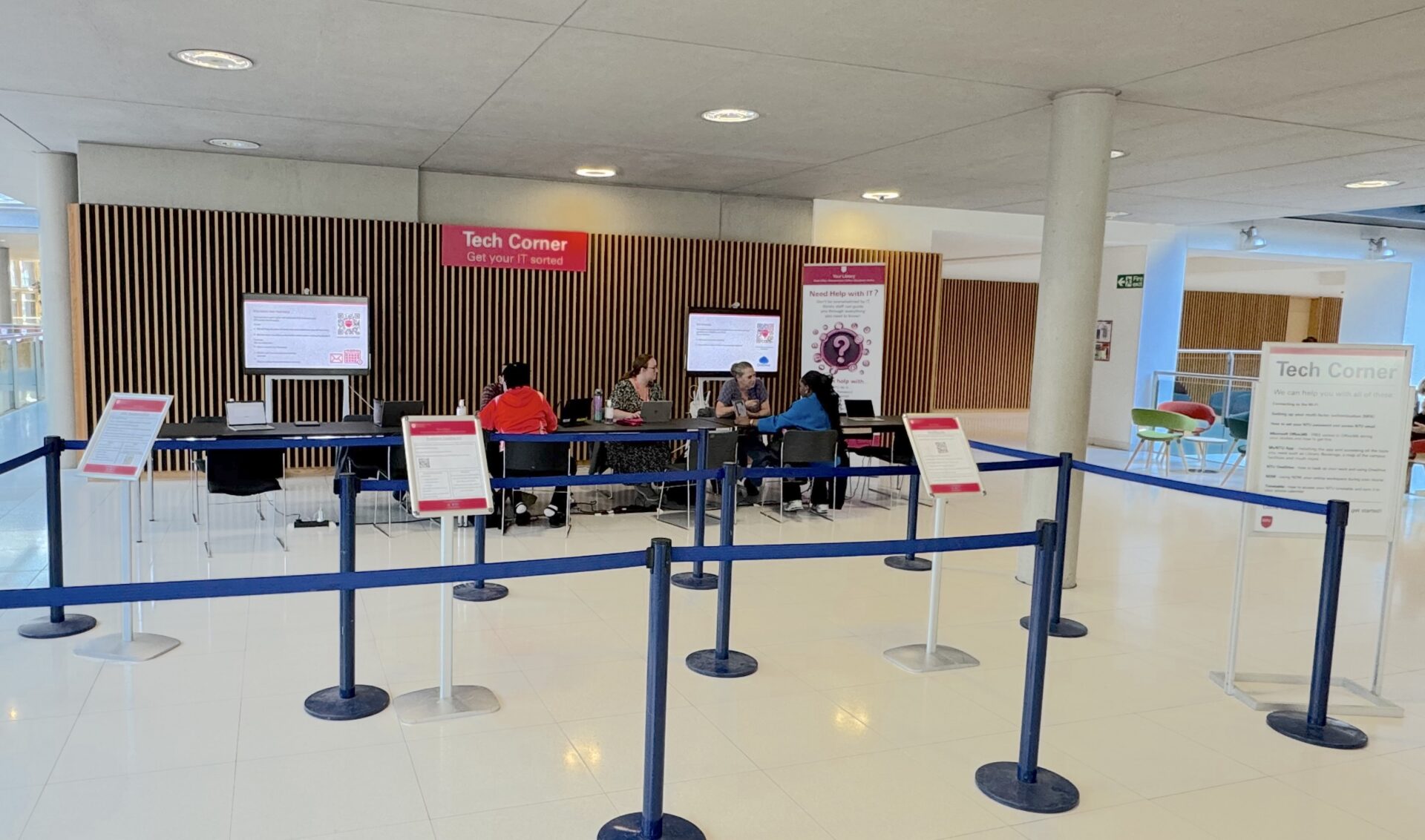
Starting university is a lot. Tech Corner is here to make the digital side of it easy.
Whether you’re brand new or returning to study, come and get set up with everything you’ll use everyday – Wi-Fi, email, timetable, the lot.
We can help you with:
- Connecting to NTU Wi-Fi
- Setting your NTU password and accessing your email
- Free Microsoft 365 during your studies – how to get it on your own devices
-
The MyNTU app – your NTU hub, covering your course, support and wellbeing, student life, and much more
- NOW – your online learning space for your course
-
Timetable – how to access it and sync it to your phone
- Multi-Factor Authentication (MFA) – how to set it up and what to do if you get stuck
- OneDrive – backing up your work so you don’t lose it
Come along, ask your questions, and leave knowing exactly where to go when something isn’t working.
Explore our help guides to find answers in your own time.
By attending Tech Corner in person during Welcome, your question will be answered quicker. If you are unable to attend in person, contact the Nottingham Trent University Library service directly by emailing libinfodirect@ntu.ac.uk or calling +44 (0)115 848 2175 with as much information about your question as possible.